

How to Use AI for Writing Exceptional Content (7 Best Practices)
If you’re a writer and you’re not using AI, you’re working with one hand tied behind your back. It’s like telling a carpenter not to use a drill—sure, you could build a deck with just a hammer, but why would you?
Writers have always embraced new tools to improve their craft. The challenge with AI is that we all secretly hope it’ll magically do everything for us. And for mediocre content, AI is the perfect solution.
But creating exceptional content? That’s still hard work. No tool changes that.
I used AI extensively to write this very article. It still took me 40+ hours. Why? Because AI didn’t write it for me—it helped me write it better.
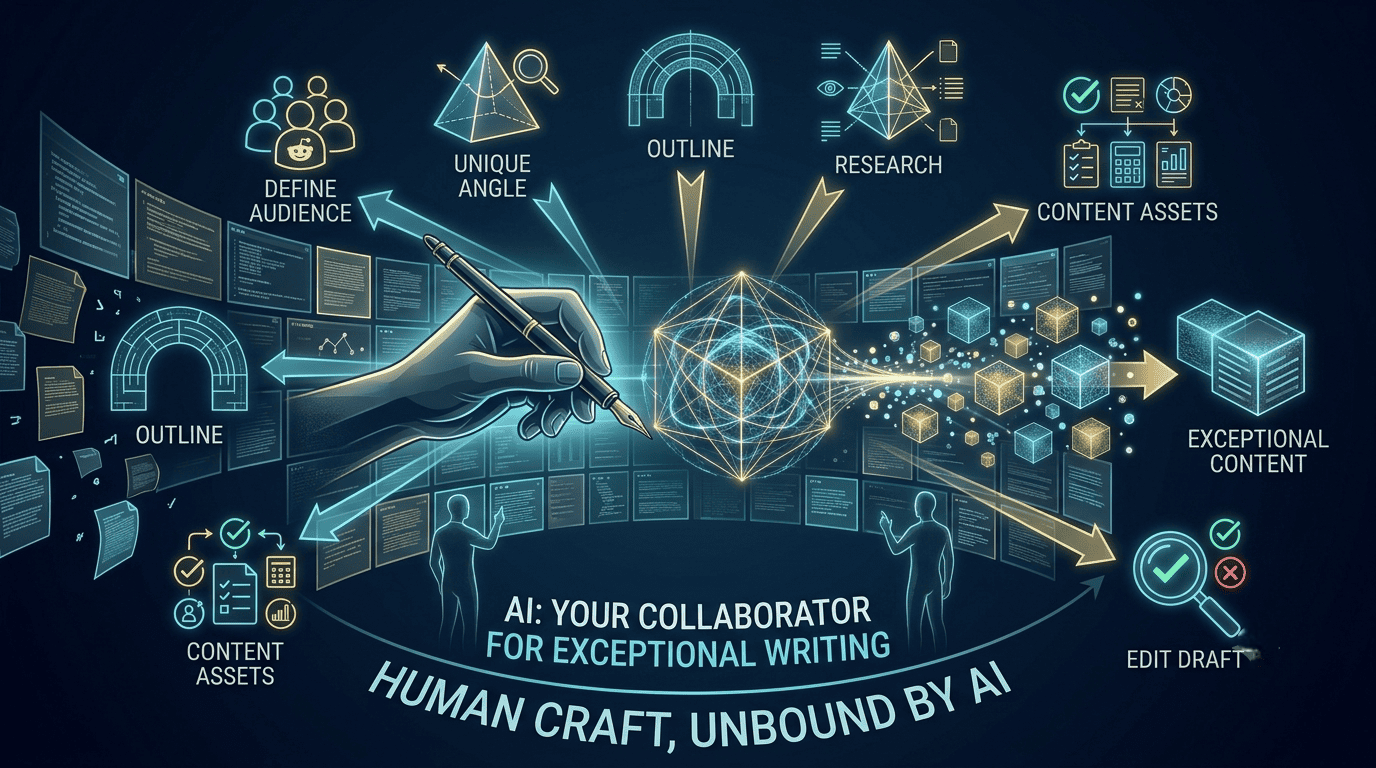
Here are 7 practical ways to use AI that actually improve your writing, straight from our team’s workflow.
1. Use AI to Define Your Audience
Great writing starts with knowing who you’re talking to. AI makes audience research way faster.
The old way: Spend weeks on interviews or surveys.
The new way: Analyze thousands of real conversations in minutes.
Example from this article: I searched Reddit for discussions about using AI for writing, exported a handful of threads as PDFs, and fed them to Claude with this prompt:
“Please analyze these conversations and create a table of: Desires (what people want), Pain points (what problems they face), Objections (what concerns they express). Include supporting quotes.”
The analysis revealed patterns I hadn’t considered—and gave me raw, emotional language to ground my writing in real experiences.
Pro tip: Save interesting Reddit threads or community discussions as you find them. You never know when they’ll be useful for future content.
2. Use AI to Find Your Unique Angle
It’s easy to get inspired by popular content and remix those ideas. That’s exactly what AI does by default, too.
A better approach? Find perspectives that other content and most LLMs overlook.
How to do it in 3 steps:
- Gather source material. Find the top 3-5 posts on your topic.
- Ask AI to analyze them for common patterns, assumptions made, missing views, and notable elements.
- Refine your angle. The AI will spot gaps. For this article, I noticed everyone focused on making writing easier—but missed the tough reality: great content is hard, with or without AI. That became my unique angle.
Pro tip: Your first insight often leads to an even better angle. Don’t be afraid to evolve your thinking.
3. Use AI to Create an Outline
Nearly every exceptional piece of content starts with a detailed plan. Yet many writers skip this step and waste hours writing in circles.
The better approach: Treat AI as a thoughtful discussion partner, not a ghostwriter.
Start with your own loose notes and research. Then ask AI for its “initial impressions”—what’s strong, what needs work, what’s missing. Go back and forth. Challenge the AI. Let it challenge you.
For this article, my outline went through 5 versions through collaboration with Claude. The headings evolved from vague (“Audience”) to actionable (“Use AI to Define Your Audience”).
Pro tip: Create a dedicated project in your AI tool with your style guidelines and reference materials. This way, every conversation has the right context.
4. Use AI to Research Your Topic
We live in an age of information overload. AI can scan thousands of sources in seconds and surface insights you might miss.
For primary research (surveys, interviews):
- Use AI to plan better research questions before you start.
- Record interviews (with permission) and use AI to extract key insights, quotes, and follow-up questions.
- Process survey responses to find patterns and specific examples.
For secondary research (existing content):
- Extract insights from podcast transcripts and video interviews. (I used Rev AI to transcribe a 19,000-word founder interview, then had Claude analyze it for key decisions and metrics.)
- Synthesize complex documents—academic papers, technical documentation, legal texts—into plain English. (I used AI to decode a Google patent application about “information gain” signals.)
Pro tip: Think of AI as your study partner—one that can read a 100-page document in seconds and explain the key points in plain language.
5. Use AI to Write Engaging Content
LLMs generate decent output with minimal prompting. But producing engaging writing in your authentic voice? That’s where AI can be underwhelming.
Create excellent reference materials. Build detailed guidelines (reader personas, tone, headline formulas, examples) and feed them to AI. I have a dedicated Claude project with over 20,000 words of Backlinko-style reference material.
Build progressive context. Don’t dump everything in one chat. Start new conversations for each section, but include completed sections as reference. This helps AI maintain consistency.
Embrace messy collaboration. Go back and forth. Question AI’s suggestions. Challenge it to think deeper. My opening hook went through multiple iterations with AI before landing on the right one.
Find perfect examples. When stuck, ask AI: “I’m explaining [concept]. I need an example that shows [specific aspect]. Ideally from [industry].” Then verify the details independently.
Pro tip: Write the first 10% of your project from scratch. This sets the tone and gives AI a clear direction.
6. Use AI to Create Content Assets
Checklists, calculators, infographics—these turn your writing into practical tools readers can actually use.
Visual assets: Use AI to design data visualizations, process diagrams, and comparison charts. (I created a graphic showing personalization statistics with progress circles and dark backgrounds in minutes.)
Smart checklists: After writing your draft, ask AI to create a checklist that breaks down each step, flags common pitfalls, and suggests validation checks.
Interactive tools: Turn your knowledge into calculators, analyzers, or decision trees. For my ecommerce growth article, I built a profitability calculator that lets readers explore different scenarios. You can bring these to life with no-code tools like Calculator Studio.
Pro tip: Start simple. A basic calculator that solves one specific problem well is better than a complex tool that confuses users.
7. Use AI to Edit Your Draft
Editing is the difference between good content and exceptional content. AI gives you quick, unbiased feedback before your human editor even sees it.
Get strategic input first. Don’t jump to line editing. Ask AI: “What’s missing? Where could we strengthen the argument? Which sections need more evidence?”
Create quick quality checks. At Backlinko, we track: single-sentence paragraph percentage, visual break density, and grade level (target Grade 7 or below). AI can calculate these instantly and suggest fixes.
Test critical elements. Your headline, introduction, and calls-to-action deserve extra attention. Write multiple versions and ask AI to compare them against top-ranking competitors.
Balance AI and human editing. Start with AI for broad analysis and quick fixes. Apply your judgment to AI’s suggestions. Maintain your unique voice. Verify technical accuracy independently.
Pro tip: AI helps you find issues faster, but human judgment decides what actually serves the reader.
The Bottom Line
Pick one project. Apply just one of these practices—maybe audience research or outlining. That’s all you need to start seeing results.
AI won’t write exceptional content for you. But it can help you research smarter, outline clearer, write tighter, and edit faster. The craft is still yours. The tool just makes you better at it.
The “messy collaboration” point is the real MVP here. The best AI writing doesn’t come from one perfect prompt—it comes from a conversation. Push back. Ask “why?” Challenge assumptions. If you treat AI like a junior partner rather than a magic wand, the output is night and day.
The audience research hack (analyzing Reddit threads) is pure gold. Real people speak differently than industry experts or polished articles. Capturing their raw language and pain points makes your writing instantly more relatable. This is what separates “SEO content” from “content people actually read.”
The 40-hour stat for writing this article is the most honest thing here. Everyone wants to believe AI makes writing effortless. It doesn’t—it just makes the hard work more effective. The winners will be writers who embrace the craft, not the shortcut.