

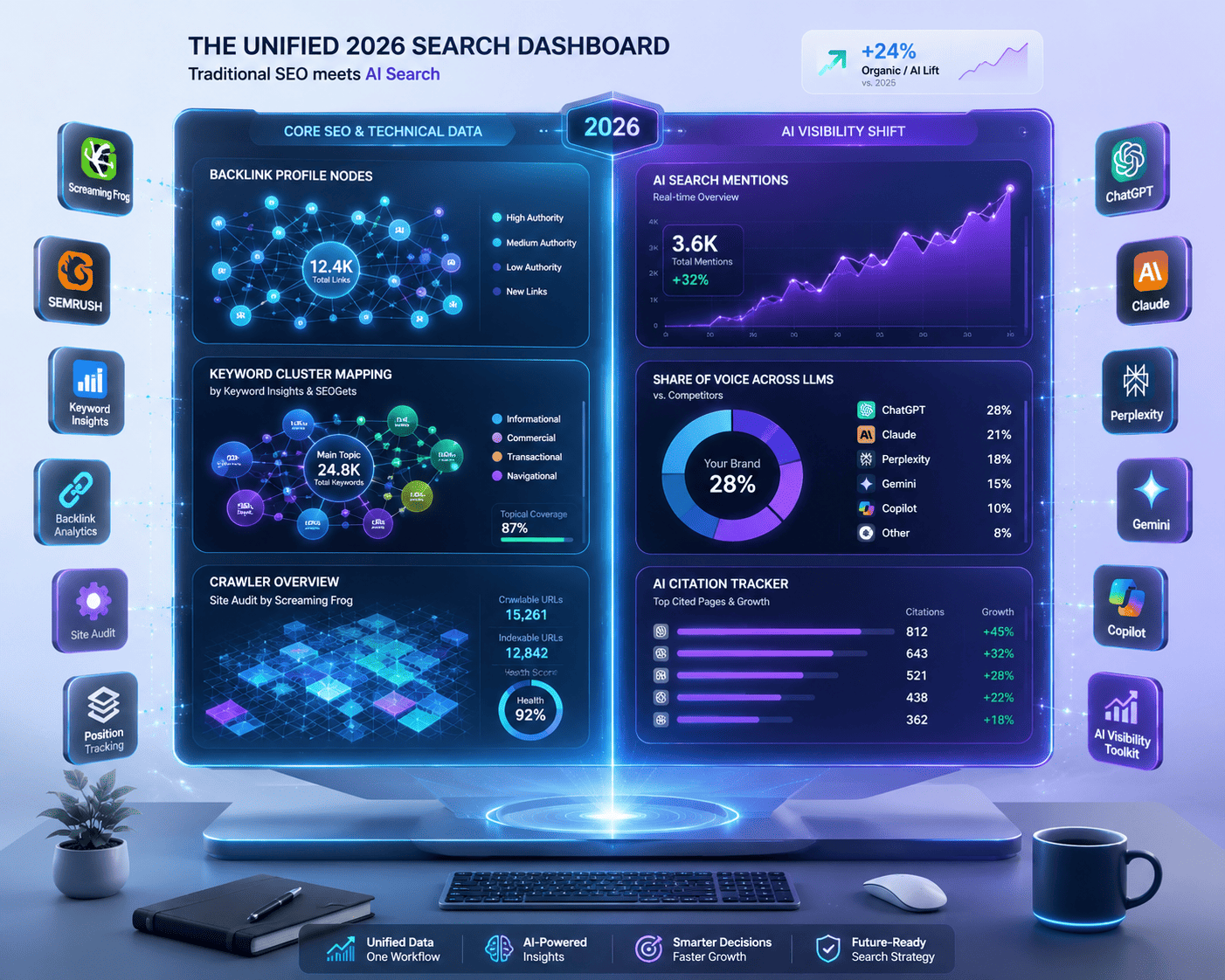
12 Best SEO Tools for 2026
Search is changing fast.
AI is taking up more space in results. Organic clicks are getting squeezed. The old SEO playbook doesn’t work the way it used to.
But one thing hasn’t changed:
With the right tools, you can still win visibility – across Google, YouTube, AI Search, and more.
Not by chasing hacks. By moving faster, making smarter decisions, and focusing on what actually drives results.
The best SEO tools help you:
- Find the right opportunities
- Understand what’s driving (or hurting) your visibility
- Outperform competitors
- Build content that ranks, gets recommended, and influences conversions
These tools still work great in today’s search landscape – no matter your business size or niche.
1. Semrush – Best all-in-one SEO and AI visibility tool
Pricing: From $139.95/month; limited free plan available
Semrush handles almost everything: competitor analysis, keyword research, link building, PPC insights, content performance. Recently, it added AI visibility tracking – showing how your brand appears inside AI-generated answers across major LLMs.
Key uses:
- Competitor analysis – See any site’s organic traffic trends, top keywords, and branded vs. non-branded traffic split
- AI visibility tracking – Monitor mentions, sentiment, share of voice, and prompts across ChatGPT, Perplexity, Gemini, Claude, and Google AI Overviews
- Topic insights – Discover which content topics drive the most traffic to competitors
Pros: Industry-leading competitor analysis; covers SEO, PPC, content, and AI search in one workflow; excellent keyword and backlink intelligence
Cons: Many features can feel overwhelming; best features require paid plans; AI tracking requires an add-on
Alternative: Ahrefs – cleaner interface, strong for link analysis and content discovery
2. SEOGets – Best for managing multiple sites’ Search Console data
Pricing: $49/month; free version available
SEOGets centralizes Google Search Console data for all your sites in one dashboard. It makes it easy to spot growing pages, declining content, and trending keywords.
Key uses:
- Topic cluster performance – See clicks, impressions, and average rank for content categories
- Keyword tracking – Spot rising and falling keywords with clear trend indicators
- Decaying content alerts – Instantly see which pages are losing traffic so you know where to focus updates
Pros: Unified dashboard for multiple sites; clear visual trend insights; easy to spot declining content
Cons: Can be overwhelming for beginners
Alternative: Google Search Console – free but only shows one site at a time
3. Screaming Frog – Best desktop crawler for technical SEO
Pricing: $259/year; limited free version available
Screaming Frog SEO Spider simulates how search engine bots crawl your site. It finds broken links, duplicate content, metadata issues, redirects, and internal linking problems.
Key uses:
- Custom crawls – Crawl entire sites or specific URL lists
- API integrations – Connect GA4, GSC, and OpenAI to add user data and generate meta descriptions or alt text
- Deep technical audits – Identify issues with JavaScript, CSS, images, and page structure
Pros: Highly customizable; API integrations for deeper insights; affordable for the depth of data
Cons: Desktop-only (no cloud option)
Alternative: Sitebulb – better data visualization with interactive reports and heatmaps
4. ChatGPT – Best for brainstorming SEO strategies
Pricing: From $20/month; free version available
ChatGPT is an AI assistant useful for brainstorming ideas, refining strategies, and troubleshooting SEO challenges.
Key uses:
- Brainstorming partner – Talk through complex issues and get organized ideas
- Strategy refinement – Use it to structure content plans and solve problems
Pros: Captures free-flowing conversation; helps refine complex ideas
Cons: Responses can be generic if prompts aren’t specific
Alternative: Claude – better at retaining long conversation context
5. Keyword Insights – Best for clustering keywords at scale
Pricing: From $58/month; $1 trial for 7 days
Keyword Insights groups massive keyword lists (up to 200,000 keywords) based on live SERP data – helping avoid keyword cannibalization.
Key uses:
- Keyword clustering – Upload large lists and see which keywords belong on the same page
- Content planning – Identify which keywords to optimize for on each page
Pros: Handles huge keyword lists; uses live SERP data; identifies cannibalization risks
Cons: No option to customize rows within the tool
Alternative: Semrush Keyword Strategy Builder – uses Semrush’s database of 25B+ keywords with volume and difficulty metrics
6. Detailed – Best lightweight Chrome extension for on-page SEO
Pricing: Free
Detailed provides instant on-page SEO metrics while browsing any website.
Key uses:
- Quick page insights – View title tags, meta descriptions, URLs, canonical tags, headers, images, and links
- Content structure review – See how competitors organize content
- Technical checks – Review schema markup and hreflang attributes
Pros: Fast, free, lots of data with one click
Cons: To see image alt tags, you need to export them
Alternative: SEOquake – more comprehensive but can clutter SERPs with data
7. Yoast SEO – Best WordPress plugin for on-page SEO
Pricing: From $99/year; free plan available
Yoast SEO helps optimize WordPress content for search engines directly in the editor.
Key uses:
- On-page optimization – Optimize title tags, meta descriptions, URL slugs with real-time previews
- Content analysis – Get clear tips on keyword distribution, external links, images, and introduction
- Technical SEO – Automatically generates XML sitemaps, canonical URLs, and schema markup
Pros: Actionable tips in the editor; handles technical SEO elements; free version is very capable
Cons: Can be overly prescriptive with recommendations
Alternative: Rank Math – offers more free features (redirects, 404 management, structured data)
8. Clearscope – Best for content optimization
Pricing: From $189/month; 7-day free trial
Clearscope uses AI to optimize content for rankings, with trending keyword discovery and content decay alerts.
Key uses:
- Trending keywords – Spot keywords with >50% search volume growth
- Content optimization – See popular questions users search for and answer them directly
- Content decay alerts – Identify pages losing traffic and prioritize updates
Pros: Tracks content performance; integrates with Google Docs and WordPress; flags decaying pages
Cons: Following all suggestions can lead to over-optimization
Alternative: Frase – more budget-friendly with similar content optimization features
9. Featured – Best for earning high-quality backlinks through expert commentary
Pricing: From $49.75/month; free plan for three answers
Featured connects subject-matter experts with top publishers for backlinks and media mentions.
Key uses:
- Expert Q&A – Answer questions from major publications (Entrepreneur, HubSpot, National Geographic, GoDaddy)
- Progress tracking – Monitor responses through review, selected, and published stages
Pros: Access to high-authority publications; free plan available; clear tracking
Cons: No guarantee of being featured
Alternative: Qwoted – PR platform for press releases and media contacts
10. BuzzStream – Best for link-building outreach management
Pricing: From $24/month
BuzzStream automates link-building outreach – finding prospects, managing contacts, and tracking follow-ups.
Key uses:
- Prospect discovery – Find authoritative websites with contact details
- Outreach automation – Create email sequences with automated follow-ups
- Performance tracking – See which templates and subject lines perform best
Pros: Automates the outreach process; centralizes relationship management
Cons: Learning curve for new users
Alternative: Pitchbox – more automation-driven, integrates with Semrush, Ahrefs, and Moz
11. Exploding Topics – Best for identifying emerging trends early
Pricing: From $39/month; limited free plan
Exploding Topics tracks search volume growth, social media conversations, and investment trends to find rising trends before they peak.
Key uses:
- Trend discovery – Find growing topics months or years before they become mainstream
- Channel breakdown – See which channels are driving each trend
- Trend forecasting – Predict long-term trajectory (paid plans)
Pros: Capitalizes on early opportunities; forecasts long-term growth; free plan available
Cons: Limited keyword data – best used alongside traditional SEO tools
Alternative: Google Trends – free but only shows historical data, not predictions
12. Mangools – Best budget-friendly SEO toolkit
Pricing: From $49/month
Mangools offers SERP analysis, keyword research, and backlink insights at a lower price point than premium tools.
Key uses:
- Low-competition keywords – Find keywords with low difficulty scores
- Backlink opportunities – Analyze competitor backlinks with LinkMiner
Pros: Budget-friendly; approachable interface; good for new projects
Cons: Limited data compared to premium tools; slow ranking processing
Alternative: Serpstat – more affordable than Semrush but richer data than Mangools
Other tools used in a typical SEO workflow:
- Google Sheets – Tracking keyword research and performance data
- Google Looker Studio – Real-time SEO reporting dashboards
- Monday.com – Content workflow management
- Figma – Wireframing layouts and designing visuals
Ready to Build Your SEO Toolkit?
There are many SEO tools out there. Start with an all-in-one tool like Semrush, then add specialized tools as needed.
For more specific needs, check out guides on:
- Link building tools
- SEO Chrome extensions
- AI SEO tools
- SEO audit tools
- Rank tracking tools
The shift from traditional SEO to AI visibility tracking is real. Tools like Semrush now track LLM mentions – not just rankings – which changes how success is measured.
Centralizing Search Console data across multiple sites (as SEOGets does) is a huge time-saver for agencies. Otherwise, you’re logging in and out of GSC accounts constantly.
Content decay alerts are underrated. Knowing which pages are losing traffic lets you prioritize updates before rankings drop further – proactive SEO beats reactive SEO.