

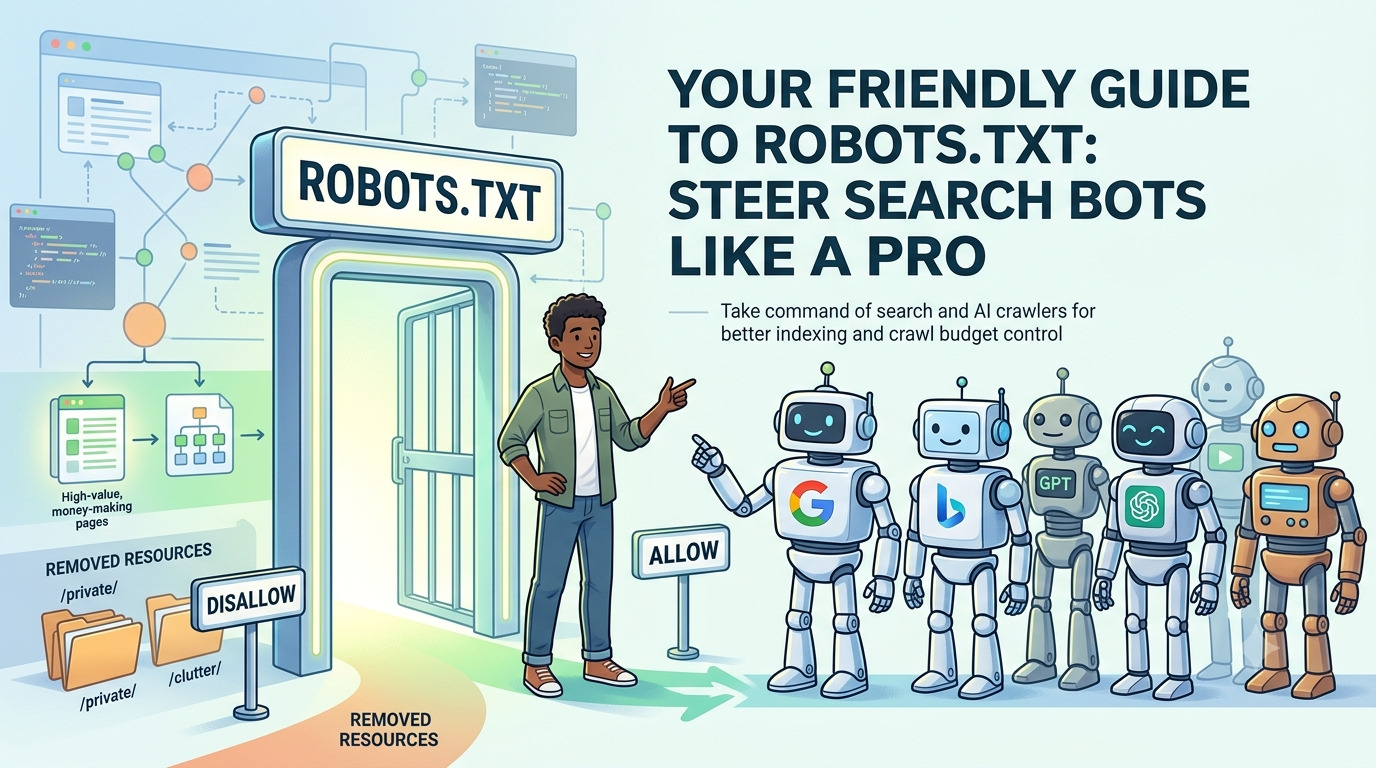
Your Friendly Guide to Robots.txt: Steer Search Bots Like a Pro
Think of your robots.txt file as a backstage pass that tells search engines and AI crawlers exactly where they can snoop — and where they should keep out. It’s a tiny text file with outsized power, yet many site owners set it up once and forget about it. In today’s world of AI summaries and tight crawl budgets, that’s a risky oversight. Let’s walk through what robots.txt is, why it matters more than ever, and how to build (or fix) yours without the headache.
What Robots.txt Actually Does
Robots.txt is a simple set of instructions that lives at the root of your website — for example, yoursite.com/robots.txt. Before a search bot like Googlebot visits any page, it peeks at this file first. You can tell it, “Sure, look at everything” or “Stay out of these specific corners.”
The basic structure is dead simple:
text
User-agent: *
Disallow: /
Here, the asterisk (*) means the rule applies to all crawlers. The Disallow: / says “don’t crawl any pages.” (But fair warning: this doesn’t stop a page from appearing in search results if other sites link to it — we’ll get to that.)
Why Bother Guiding Crawlers?
You might wonder, “Why would I ever block a bot? I want to be found!” Here’s the secret: your site likely has far more pages than you realize — old drafts, filtered product listings, tag archives, login screens. If Googlebot wastes its time crawling all that clutter, it may miss the really important stuff.
Google gives each site a “crawl budget” — basically a limit on how many pages it will crawl in a given time. Crawl budget depends on how fast your server responds and how much Google “wants” to crawl your content. Your job is to spend that budget wisely. Use robots.txt to steer bots away from duplicate pages, infinite filter loops, soft 404 errors, and other crawl drains. The result: search engines spend their precious time on your high-value, money-making pages.
How to Create a Robots.txt File from Scratch
- Open a plain text editor. Use Notepad (Windows) or TextEdit in plain-text mode (Mac). Don’t use rich text programs like Word — they can introduce hidden formatting that breaks the file.
- Name and place it correctly. The file must be named
robots.txtand sit at the top level of your domain (yoursite.com/robots.txt). A subdomain likem.yoursite.comneeds its own separate file. Save it with UTF-8 encoding — nothing fancy. - Write the rules. Every instruction starts with a
User-agentline naming the bot, followed byDisallow(orAllow) lines. For example, to let all crawlers roam freely except into a/private/folder, you’d write:textUser-agent: * Disallow: /private/You can also point bots to your XML sitemap, which acts like a cheat sheet of all the URLs you want them to find:textSitemap: https://www.yoursite.com/sitemap.xml - Save and upload to your root directory. How you upload depends on your hosting (FTP, cPanel, or built-in file manager). If you use WordPress, it generates a virtual robots.txt automatically; you’ll need a plugin or manual upload to override it.
Blocking AI Crawlers: Yes, You Can (and Should) Decide
With AI companies scraping the web to train models, you might want to draw some lines. The good news is that the major AI bots respect robots.txt. You can block them individually using their unique user-agent names. Here are the key players:
- GPTBot (OpenAI) – for training data
- OAI-SearchBot (OpenAI) – for search features
- ClaudeBot (Anthropic) – for training
- Claude-SearchBot (Anthropic) – for search
- Google-Extended (Google) – for AI model training (completely separate from regular Googlebot; blocking it won’t affect your normal rankings)
- CCBot (Common Crawl) – powers many open-source models, often overlooked
To block each one, simply list them with a Disallow: / rule:
text
User-agent: GPTBot
Disallow: /

User-agent: OAI-SearchBot
Disallow: /

User-agent: ClaudeBot
Disallow: /

User-agent: Claude-SearchBot
Disallow: /

User-agent: Google-Extended
Disallow: /

User-agent: CCBot
Disallow: /
If you’d rather welcome only traditional search bots and block everything else, flip the logic: disallow all by default, then specifically allow Googlebot and Bingbot.
text
User-agent: *
Disallow: /

User-agent: Googlebot
Allow: /

User-agent: Bingbot
Allow: /
Be careful: blocking AI crawlers can protect your content from being used for training, but it may also prevent your pages from being cited in AI-generated answers. If you want AI visibility without handing over all your content, consider using an llms.txt file as a complementary guide instead of a full ban.
Testing: Make Sure Your Rules Actually Work
After you update your robots.txt, verify it with Google Search Console. Under Settings, you’ll find the robots.txt report showing what Google last fetched, any syntax errors, and a way to request a re-crawl. To test a specific URL, use the URL Inspection tool — it will tell you whether a robots.txt rule is blocking Googlebot from that page. This is a lifesaver for catching a stray Disallow: / before it erases your search presence.
You can also peek at any competitor’s file by typing competitor.com/robots.txt in your browser. It’s a quick way to see what they’re protecting, which AI crawlers they’re blocking, and how they’re managing their crawl budget.
The Most Common (and Painful) Mistakes
Even a tiny robots.txt slip can have huge consequences. Watch out for these:
Disallow: /on a live site. This one line blocks every single crawler from your entire site. It often sneaks in when a staging file is accidentally pushed live. Always double-check your robots.txt after a migration or redesign.- Blocking CSS and JavaScript files. Googlebot needs to see your site like a real browser. If you block style and script files, Google can’t render your pages properly, which can hurt your rankings. Keep those resources open.
- Confusing
Disallowwithnoindex. A disallowed page can still show up in search results if another site links to it. If you don’t want a page indexed, use anoindexmeta tag on that page — don’t rely on robots.txt alone. - Missing file or leaving it empty. An absent robots.txt won’t crash your site, but you lose the chance to manage your crawl budget and exclude AI scrapers. Make it a regular checkpoint on your SEO to-do list.
Your robots.txt file is small, but it’s the GPS that keeps crawlers from getting lost in your digital basement. Set it right, check it often, and you’ll make sure every bot visit counts.
The crawl budget explanation is a lightbulb moment. Our e-commerce site has thousands of faceted URLs, and I can see how they’re draining Googlebot. Creating a smart disallow rule for those parameters feels like an instant SEO win.
The distinction between Googlebot and Google-Extended finally clicked for me. I had no idea I could opt out of AI training without hurting my regular rankings. That’s a relief and something I’ll implement this week for our blog.
I’m embarrassed to admit I never realized that a disallowed page could still be indexed. I’ve been using robots.txt as a poor man’s noindex for years. The clarification alone saved me from a potential mess with a client’s site.